SYSTEM // PRE-RELEASEEARLY ACCESS // AUG 21 2026DEMO // AVAILABLELAST SOURCE CHECK // 2026-08-20T06:25:00.192Z
DEMOOFFICIAL · ANNOUNCEMENT

Alien Apocalypse Performance Fixes

Establish the current build, hardware, resolution, and repeatable problem area first. Then change one reversible graphics or display setting at a time, retest the same scene, and avoid unsupported file edits or miracle launch options.

Last checked: 2026-08-20

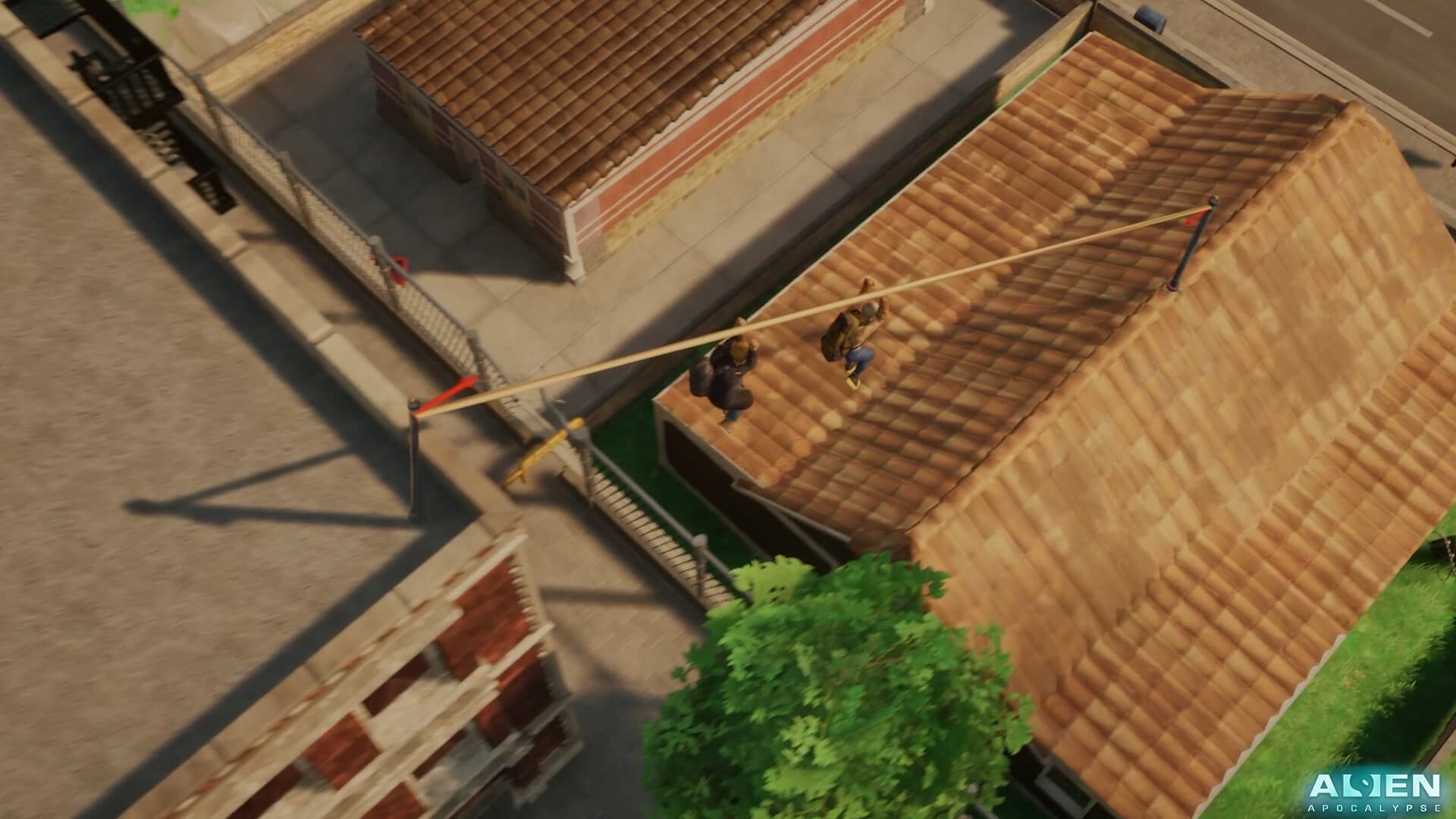
Two survivors cross tiled rooftops on a zipline
Official Alien Apocalypse media used for visual context, not hidden-value claims.

Capture a baseline

Record build, operating system, CPU, GPU, memory, storage, driver, resolution, display mode, preset, and the repeatable problem location.

Change one variable

Start with in-game settings and one scene. Change one option, retest, and keep it only if the result is clear.

Use update context

Official demo notes mention optimization work, so performance must be checked after each build. Old workarounds can become harmful.

Escalate safely

After settings, confirm drivers, background load, storage, and file integrity with supported tools. Back up data before configuration changes.

ACTION CHECKLIST

What to do next

  • Record build and hardware.
  • Choose a repeatable scene.
  • Change one setting.
  • Retest and record.
  • Revert ineffective changes.
  • Include the baseline in reports.

EVIDENCE BOUNDARY

Known unknowns

These details are withheld until official documentation or a repeatable build check supports them.

  • Final Early Access requirements
  • Build-specific stutter causes
  • Hardware-wide targets

Related guides